
Code in seconds
Official distribution
Multiple payment methods
Rating 5.0
1 ratings
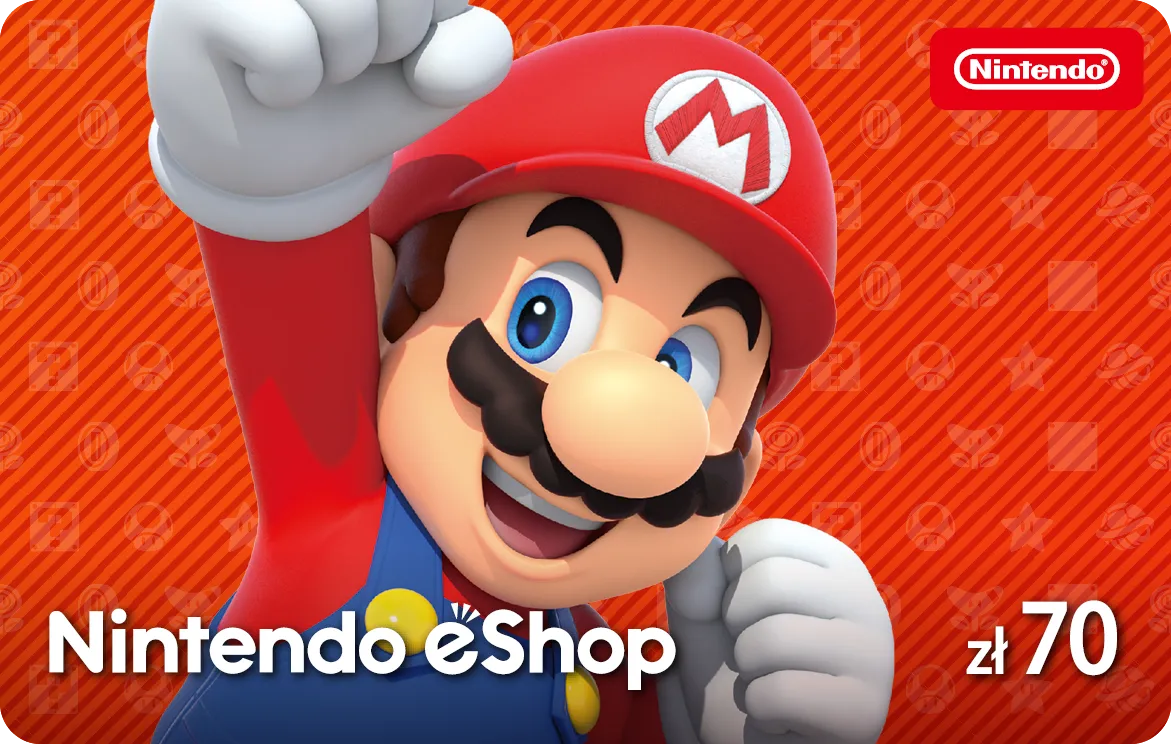
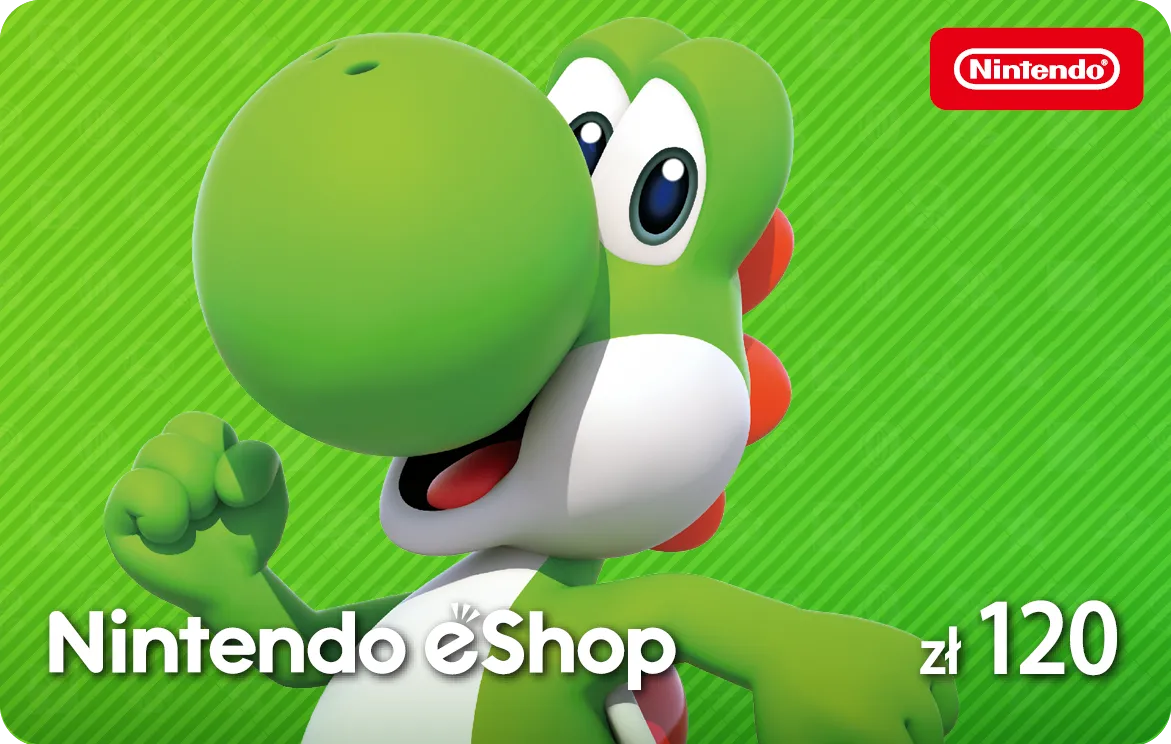
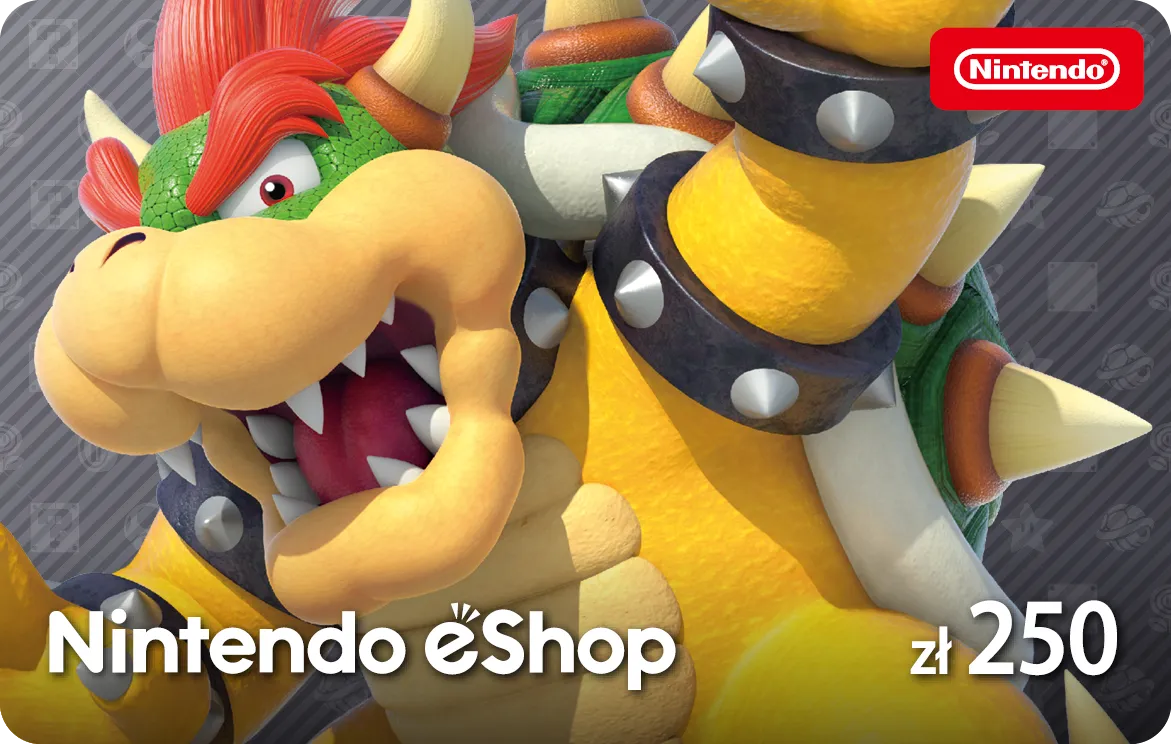
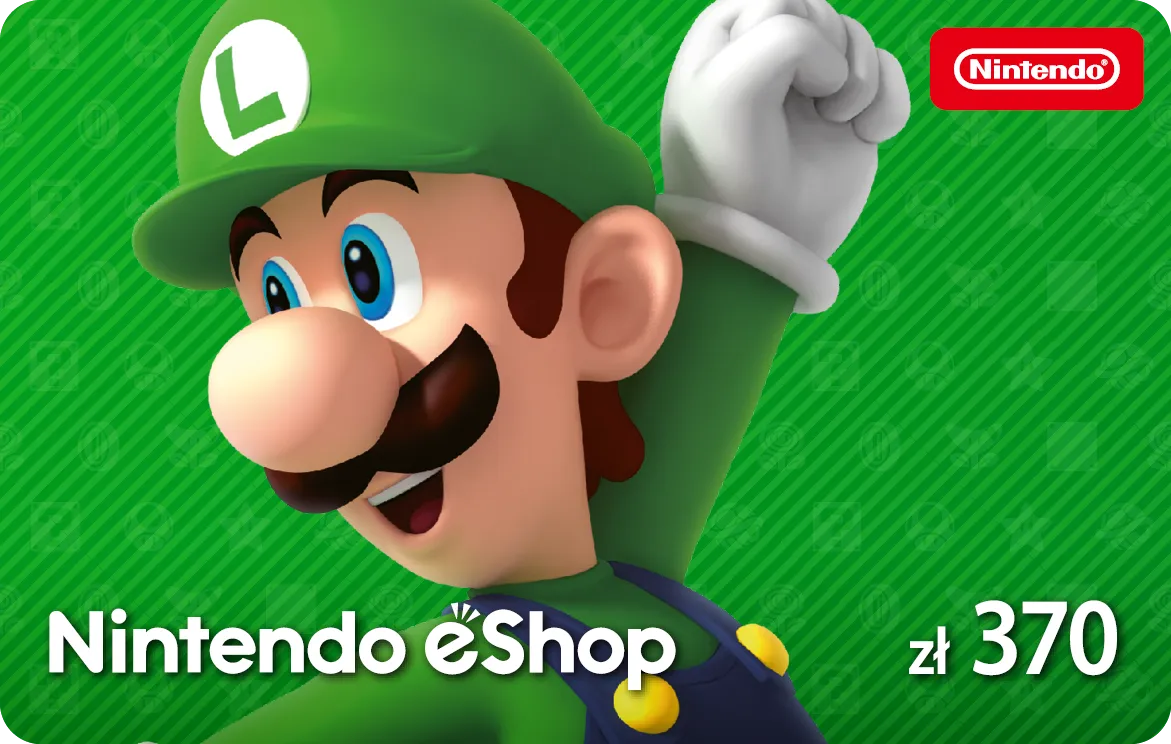
Nintendo eShop Card
The Nintendo eShop gift card is the perfect way to buy games and add-ons for Nintendo consoles. Use it on the Nintendo eShop on Nintendo Switch, 3DS and Wii U. A great gift for any Nintendo fan!
70.00 PLN
5% cashback 350 ticoins back to your account
Code in seconds
Official distribution
Multiple payment methods
Works great for me. I used it twice with zero issues. I will keep using this service. Fast and hassle-free.
Igor P
Fast, 24/7 availability. No additional fees or commissions. Card payments accepted.
Łukasz G
Paysafecard - few formalities, very fast, hassle-free payment, code delivered IMMEDIATELY.
Mateusz N
Description
Top up your Switch account without saving a card
The Nintendo eShop gift card tops up your player profile without entering payment card details. Once your order in our store is paid, you immediately receive a 16-character code in your email. Entering it in the eShop instantly tops up your account. This gives you full control over your budget and protects you from accidental purchases from the console.
What can you spend funds in the Nintendo eShop on?
Funds on your account are the main payment method in the eShop. You’ll use them to pay for Nintendo games such as The Legend of Zelda, Super Mario Bros. Wonder or Animal Crossing. The same money can be used to buy indie games (e.g. Stardew Valley), digital DLC and in-game currencies like V-Bucks in Fortnite.
Spending flexibility and digital sales
Funds from the code work in the store like a standard currency. You can freely combine them with seasonal sales in the Nintendo eShop. This makes it easy to buy cheaper games on promotion and spend the rest of your e-card budget on, for example, a Nintendo Switch Online membership.
A universal gift for gamers
A gift card is a great present for every Switch owner. You hand over a specific budget and the recipient picks the game themselves. In our basket, use the free Joy Creator. The system will turn your code into an elegant virtual PDF card ready to send by email. You can add personal wishes to it and hide a private video recording from your phone under a QR code.
How to redeem a code on a Nintendo eShop account
You can conveniently redeem the card through a browser on your computer or phone:
- Go to the official site ec.nintendo.com/redeem.
- Sign in to the account linked to your console.
- Enter the exact 16-character code you received by email.
- Confirm the top-up by clicking the appropriate button.
- The funds will go to your account immediately. You’ll see them after restarting the eShop on the console.
FAQ
How long do I have to spend the funds I’ve added on Switch?
Funds on your account never expire. Money on your digital balance has no expiry date. Nintendo also does not charge any fee for storing funds on the server, so you can safely wait for the start of official sales.
Are Nintendo eShop cards region-locked?
Yes, codes are tied to a specific currency and country. Polish e-cards in złoty will only work on accounts with the region set to Poland. Trying to use them on an account registered in the United Kingdom or the US will fail with a currency mismatch error.
What happens when a game costs more than my available balance?
You can pay the difference during checkout. The eShop will first take all the funds from your account. The remaining amount can be easily paid in the basket using a saved payment card or a PayPal account.
Can I enter several different e-cards during shopping?
Yes, you can combine multiple codes. Adding more keys increases your total balance to spend. Just remember the wallet limit — for Polish accounts the maximum amount you can hold at one time is the equivalent of PLN 1,000.
Do I have to spend the full amount from the code at once?
No, the rest of the money safely stays on your account. If the game is cheaper than the code’s value, the unused funds remain in your virtual wallet. You can simply use them for future purchases in the eShop.
Does having a balance block changing my Nintendo account region?
Yes, funds on your account completely block changing the country. Nintendo’s policy does not allow migrating a profile until your account balance is exactly zero. Before changing the region, you must spend all the money accumulated on the balance.
Where can I find the full terms for the virtual wallet?
All the rules are available on the official nintendo.com site. Detailed information about eShop limits, currency definitions and account management guidelines are available in the Nintendo technical support section.
FAQ
Activation
A few simple steps separate you from using the card.
- 01. Get the 16-character code from your email.
- 02. Turn on your Switch console and select the Nintendo eShop icon from the menu.
- 03. Choose "Enter Code" from the left-hand menu.
- 04. Type in the code using the virtual keyboard.
- 05. Confirm with OK to top up your account.
Publisher content
Terms of service
-
Nintendo eShop Terms
Legal notice regarding the Nintendo eShop prepaid code: A digital code for Nintendo eShop funds. The code can be redeemed on Nintendo Switch. To redeem this code you need access to a wireless internet connection and must accept the related network user agreement and privacy rules. Creating or linking a Nintendo Account may also be required. This code: * can only be redeemed once, at full value, and in the same currency as the one used to purchase the code. * cannot be resold, exchanged, returned to the point of sale, or otherwise converted to cash. * will not be replaced by Nintendo or the retailer if lost, stolen, or used in any way without the buyer's consent. How to activate the code on Nintendo Switch: In the Nintendo eShop choose: REDEEM CODE or ADD FUNDS and follow the on-screen instructions. Just in case, keep your confirmation. Issued by Nintendo of Europe GmbH. - Nintendo Privacy Policy ↗
Customers also buy
Add to cart as well


Joy Creator
Create a gift card with your personalized wishes
- 01. Choose an occasion
- 02. Choose a card
- 03. Add a message or recording
- 04. Send or print it
Gift card
•Just because
Thanks for being there, my dear! 🤍
I wanted to thank you. For the support, patience and everyday little things that make a difference. Glad you are here.
To:
Jane Smith
From:
John Doe
Gift card
•Just because
Thanks for being there, my dear! 🤍
I wanted to thank you. For the support, patience and everyday little things that make a difference. Glad you are here.
To:
Jane Smith
From:
John Doe
Gift card
•Just because
Thanks for being there, my dear! 🤍
I wanted to thank you. For the support, patience and everyday little things that make a difference. Glad you are here.
To:
Jane Smith
From:
John Doe
70.00 PLN